
Woqu Cloud Print User Guide
Service Overview
The International Campus has introduced the "Woqu Cloud" self-service printing platform, with 8 self-service printing stations located in residential colleges, teaching buildings, and other areas, providing teachers and students with convenient printing, copying, and scanning services. The pricing of the Woqu Cloud platform remains consistent with the original platform's rates, and payments are made via WeChat Pay. The Woqu Cloud platform also allows users to easily upload files through its WeChat mini program and complete printing tasks from their mobile devices.
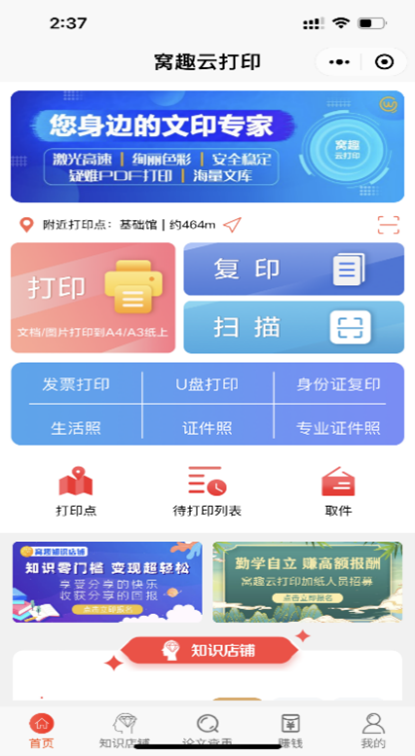
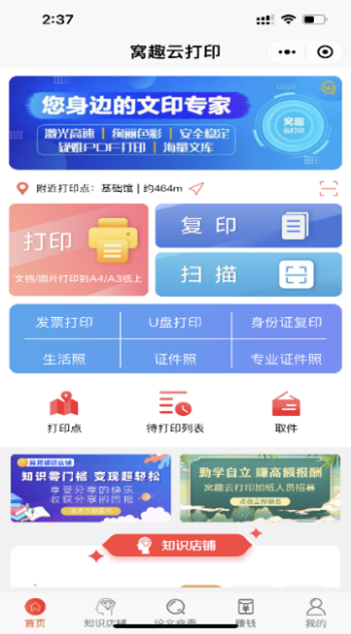
Open the WeChat Mini Program:** Use WeChat to scan the QR code in the lower right corner of the printer screen. This will open the WoQu Cloud Print mini program. First-time users will need to register.
Upload the File: On the mini program home page, tap **Print**. You can select a document or image from WeChat/QQ chat history or your local files. The program supports automatic upload and extraction of compressed files, with a maximum file size of 200 MB.
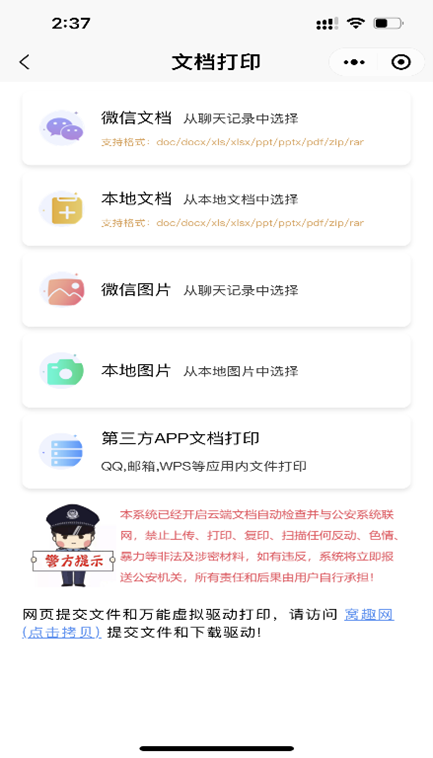
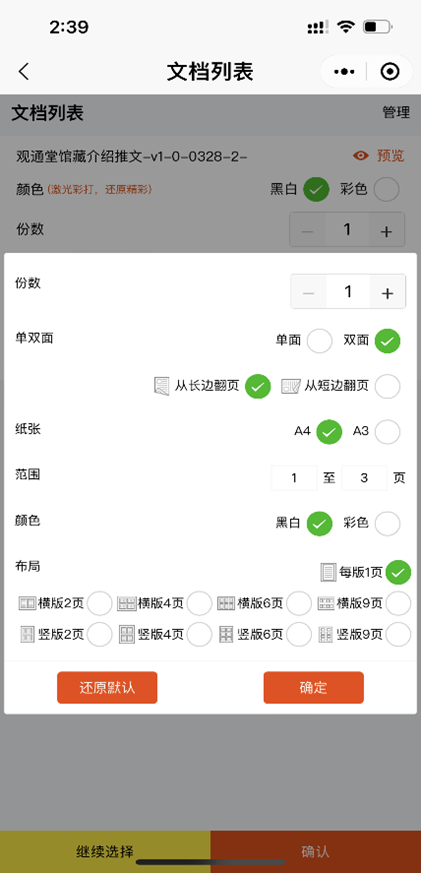
Once the file is uploaded, you will be taken to the settings screen. You can preview the file, and adjust settings such as color, number of copies, and single/double-sided printing. Tap Advanced Settings for more detailed options to meet your needs.
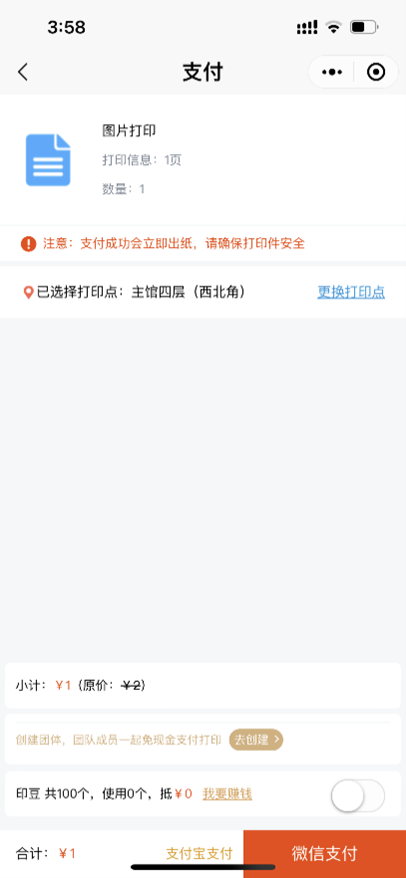
Pay and Pick Up
WoQu Cloud Copy Operation Guide
Open the WeChat Mini Program: Use WeChat to scan the QR code in the lower right corner of the printer screen to open the WoQu Cloud Print mini program. First-time users will need to register.
Tap Copy.
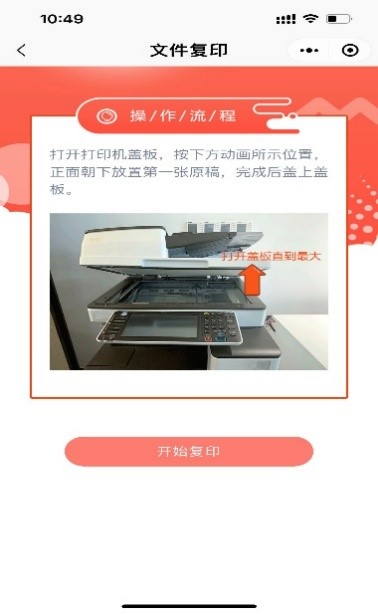
Open the printer cover.
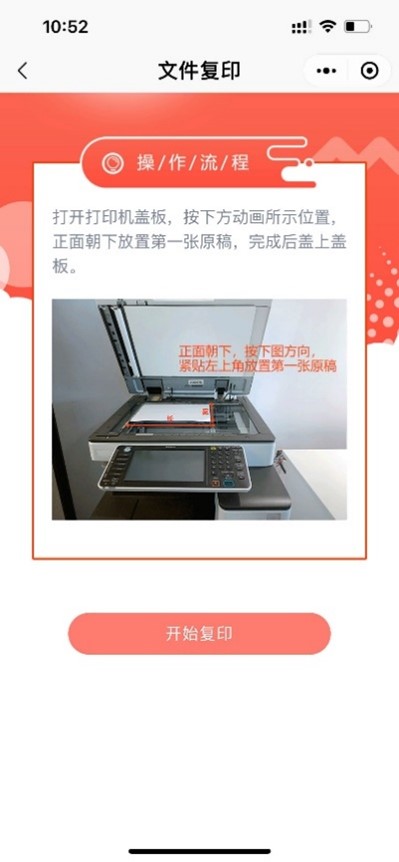
Place the original document.
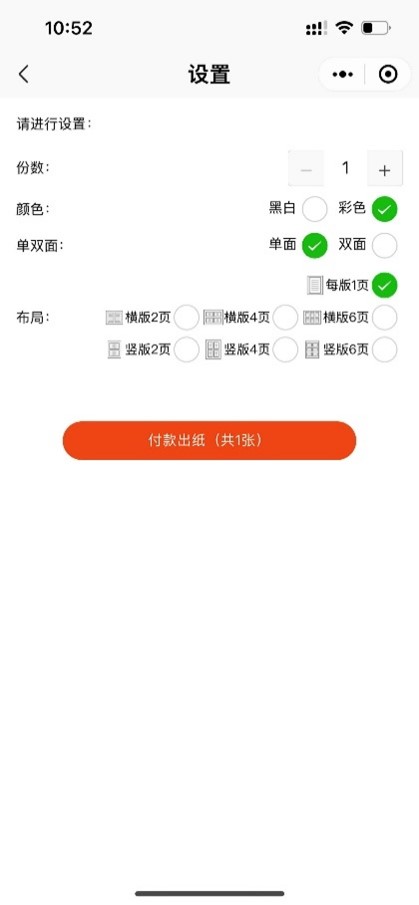
Pay and collect your copies.
WoQu Cloud Scan Operation Guide
Open the WeChat Mini Program: Use WeChat to scan the QR code in the lower right corner of the printer screen to open the WoQu Cloud Print mini program. First-time users will need to register.
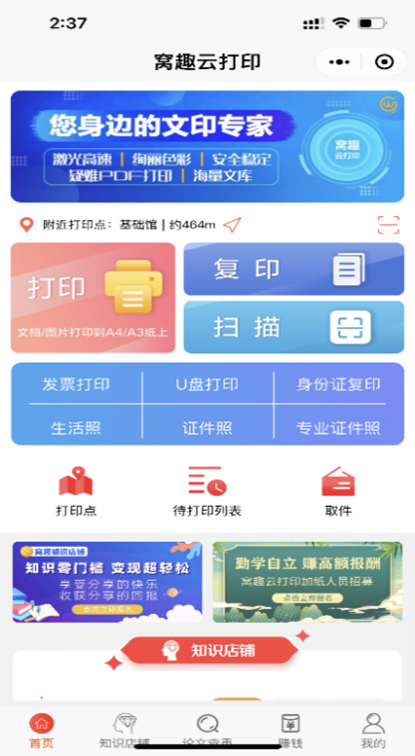
Tap Scan
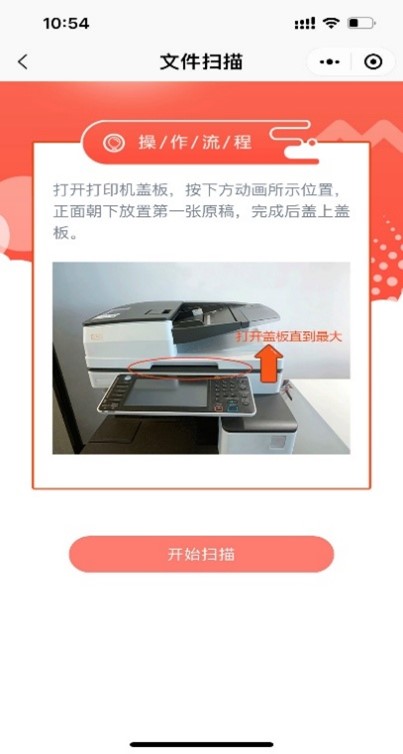
Open the printer cover.
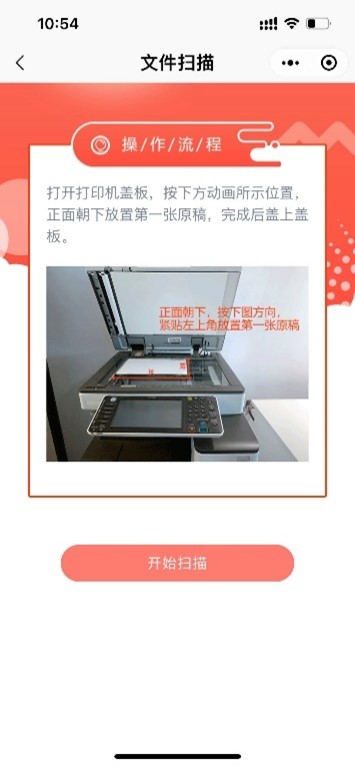
Place the document.
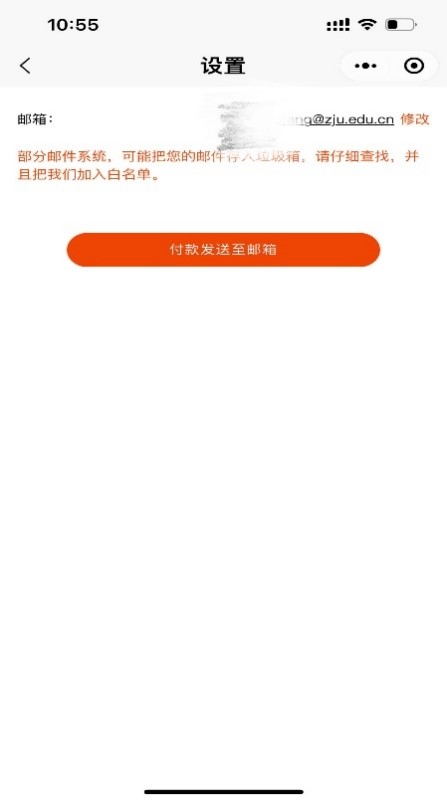
Pay and send the scanned file to your email address (tap Modify to add your email).
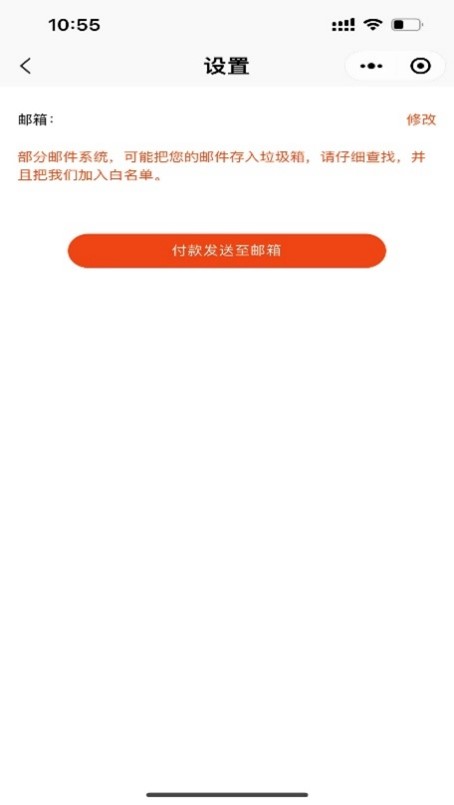
)